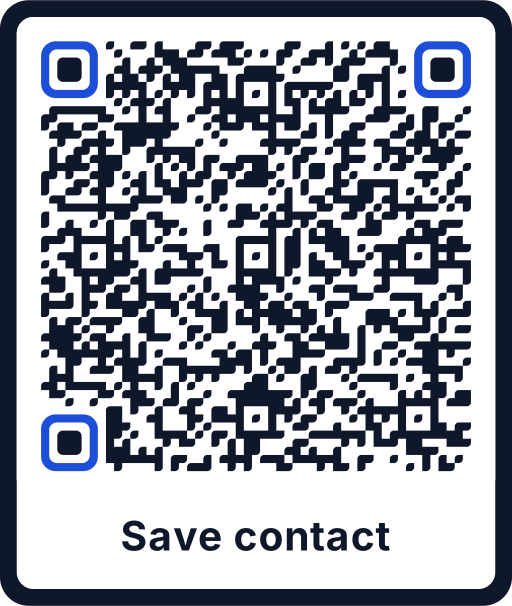
What a vCard QR code contains
vCard is the standard format for contact details that every smartphone understands. Scanoli stores your details as vCard 3.0 directly in the code. After scanning, the phone shows a preview of the contact with a button to save it.
- Name, company and job title
- Work and mobile phone numbers
- Email address and website
- Address with street, postcode, city and country
Fewer fields, better scanning
Every character makes the code denser, with more and smaller modules. Space on a business card is limited, so only include what people really need. Name, mobile number, email and website are usually enough.
With a short entry, a code of 2 to 2.5 cm is easy to scan at a normal reading distance. If you add the full address, plan a little more space.
Write phone numbers in international format, for example +44 20 7946 0958. Then the number also works from abroad.
Design ideas for business cards
- Use your brand color for the code and keep the background light.
- Add a frame with a short call to action such as “Save contact”.
- Place the code on the back of the card, where it has room and does not compete with your name.
- Print a test card and scan it with two different phones before ordering the full run.
Static and private
Your contact details are stored in the code itself. There is no online profile, no account and no redirect. The flip side: if your phone number changes, you print a new code. For details that change often, a link to a page on your own website can be the better choice, see static vs. dynamic QR codes.