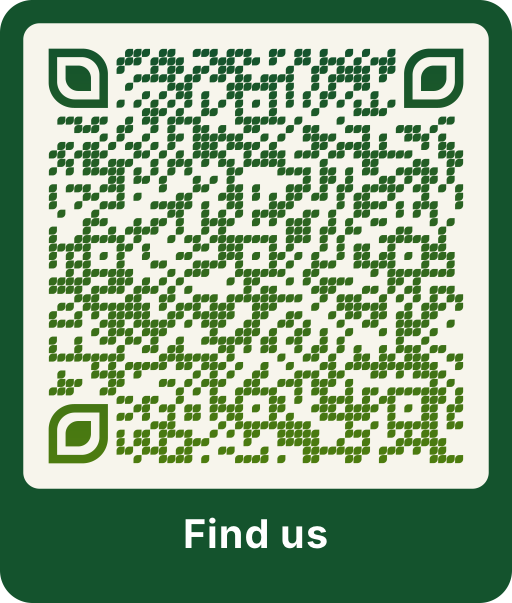
What happens when someone scans the code
The code contains a Google Maps link with your address or coordinates. On Android it opens in Google Maps. On iPhone it opens in Google Maps if the app is installed, otherwise in the browser. From there, directions by car, public transport, bike or on foot are one tap away.
The example code on this page leads to the Brandenburg Gate in Berlin.
Address or coordinates?
- Address: best for buildings with a street address. While you type, Scanoli shows suggestions from the Photon address service, based on OpenStreetMap.
- Coordinates: for places without a clear address, such as a car park entrance, a meeting point in a park, a beach section or the start of a hiking trail. In Google Maps you can copy coordinates by long pressing a point on the map.
For large sites such as trade fairs, hospitals or campuses, the coordinates of the exact entrance save your guests a lot of searching.
Where a location QR code helps
- Invitations to weddings, birthdays and company events.
- Holiday rentals: the way to the house, the parking space or the key box.
- Flyers and posters for events and openings.
- Notices for deliveries and suppliers.
- Business cards and shop windows.
Combine it with other codes
On a wedding invitation, the location code goes well with a wedding QR code for the photo album. In a holiday apartment, add a WiFi QR code for the guest network.