Create a WhatsApp QR code

Customers scan the code and a WhatsApp chat with you opens immediately, without saving your number first. Perfect for shops, service businesses and customer support.

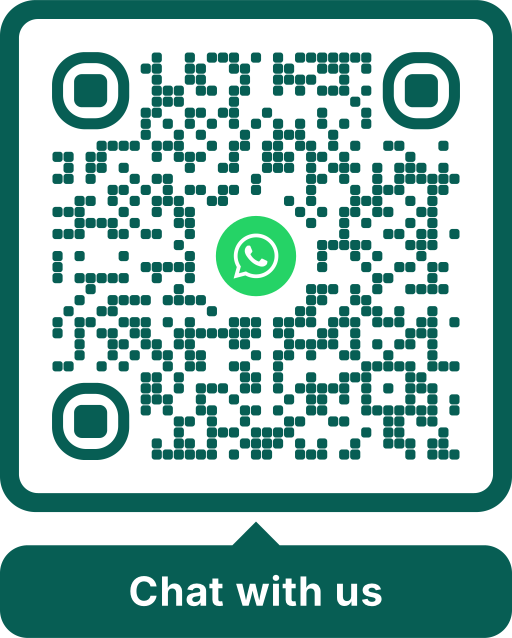
Example WhatsApp QR code in dark green with the WhatsApp icon in the center and the label Chat with us
Example: scan it with your phone camera.

Create it in 3 steps

  1. Choose WhatsApp

    Select Social media in the editor and then WhatsApp.

  2. Enter your number

    Type your number in international format, for example +44 7700 900123.

  3. Design and download

    Add the WhatsApp icon, choose colors and a frame such as “Chat with us”, and download.

How the WhatsApp QR code works

The code contains a click-to-chat link: wa.me followed by your number. WhatsApp officially supports these links. After scanning, the chat with you opens directly on the phone, without the customer having to save your number.

The number must be in international format. Scanoli removes spaces, the plus sign and leading zeros automatically when it builds the link.

With a prepared message

You can pre-fill the first message, for example “Hello, I would like to book a table”. Choose the content type Link for this and enter the address in this form:

  • wa.me/447700900123?text=Hello%20I%20would%20like%20to%20book
  • Replace the number with yours, without plus sign or spaces.
  • Spaces in the message are written as %20.

The customer still sends the message themselves. A prepared text just makes the first step easier and tells you right away what it is about.

Ideas for businesses

  • Restaurants: table reservations and takeaway orders.
  • Trades and services: customers send photos of the problem and get a quote.
  • Shops: questions about products, availability and opening hours.
  • Holiday rentals: a direct line to the host.
  • Events: questions from guests and exhibitors.

WhatsApp Business

WhatsApp Business also offers its own QR codes inside the app. A code from Scanoli works with WhatsApp and WhatsApp Business alike, and you can design it freely for print, for example with your logo in the center.
Frequently asked questions

Does the person scanning need my number saved?
No. The chat opens directly, which is exactly the advantage of the wa.me link.
Does the code work without the WhatsApp app?
If WhatsApp is not installed, the phone opens the WhatsApp website, which offers to install the app or to continue in the browser.
Can I use a landline number?
Only if that number is registered with WhatsApp, for example with WhatsApp Business. Otherwise the chat cannot be opened.
Will people see my number?
Yes. Anyone who scans the code sees your number in the chat. Use a business number if you do not want to share your private one.

Create your QR code now

Free, without sign-up and without expiry date. Download as PNG, SVG, PDF, WebP or JPG.

Create for free